Help centre › Your page
The canvas — advanced editor
When the four layouts aren't quite it, the canvas lets you place every photograph, heading and word by hand — while phones still get a page that reads top to bottom.
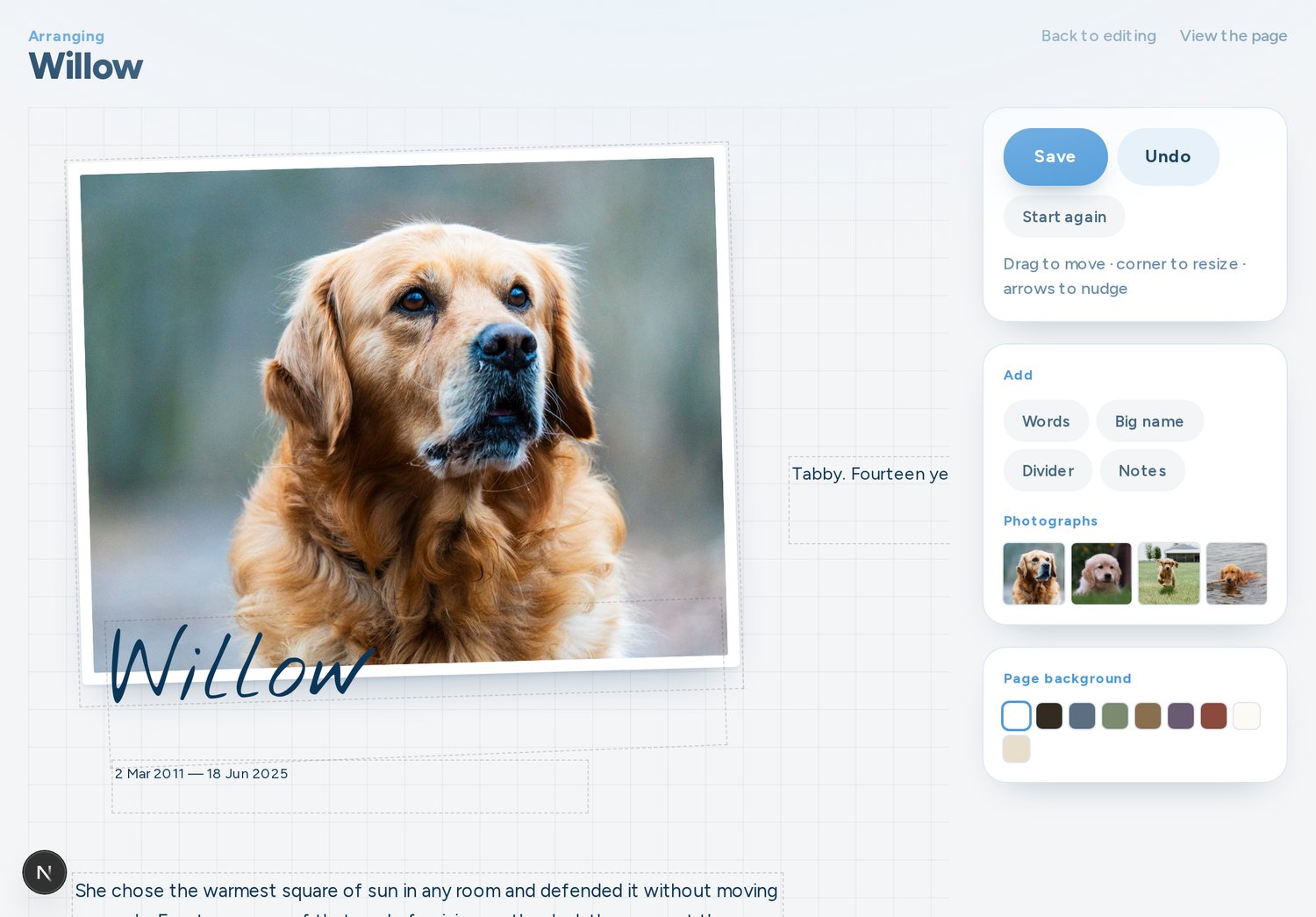
- On the edit page, switch the editor to Advanced.
- The canvas starts from the layout your page already had, so you never face a blank page.
- Drag anything to move it; drag its edges to resize. Add photographs, headings, words, dates, and dividers.
- Your changes save as you work.
Switching back to the simple editor keeps your arrangement saved, so you can always return to it.