Help centre › Your account
Your account
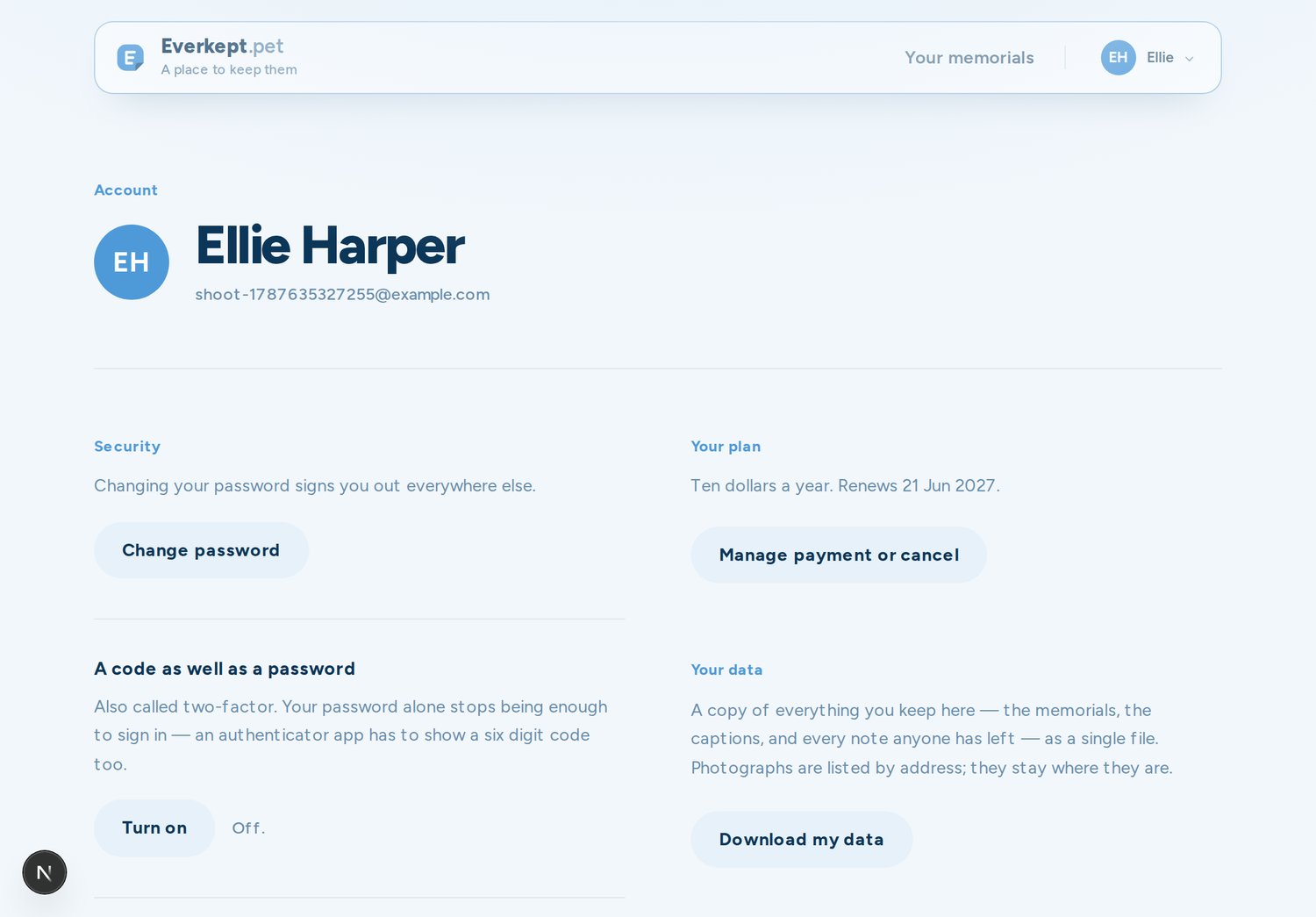
Everything about you — as opposed to a page — lives in one place, at everkept.pet/account.
Your photograph
Hover or tab to the photograph at the top of the account page and a small camera appears — add, change, or remove your picture. It shows wherever your name does.
Password
Change your password here. Doing so signs out your other devices, for safety.
Extra security
You can add a second step at sign-in — an authenticator app (two-factor), or a passkey on devices that support one. Both are optional, and turning them on never locks you out: setup only takes effect once you've confirmed it works.
Your data, and leaving
- Download everything your account holds as a single file, whenever you want it.
- Close your account. This removes your pages and their photographs for good.